
General information#
This part of the documentation contains how-to guides, including installation and usage.
Features#
Control panel in Plone registry to manage
Cloudflare Turnstilesettings.RestApi endpoint that exposes these settings for Volto.
Volto integration#
To use this product in Volto, you needs to include the following add-on in your project: collective/volto-turnstile
Translations#
This product has been translated into
English
Spanish
Compatibility#
Tested with Python 3.12 and Plone 6.1.5.
Install it#
Install collective.volto.turnstile with pip:
pip install collective.volto.turnstile
Enable it#
Go to the Site setup, next to the Add-ons control panel, find the collective.volto.turnstile add-on and click on the Install button.
Use it#
To use this add-on, go to the Site setup, next to the Add-on Configuration icon, as shown below:
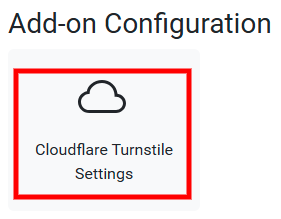
This Cloudflare Turnstile Settings, you can access the control panel, as shown below:
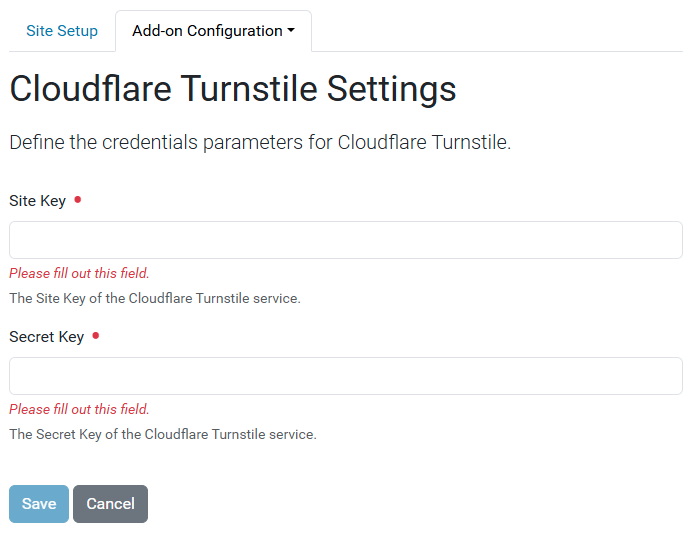
In this control panel, you can configure the following fields:
Site Key(public key).Site Secret(private key).